Designers, retailers, and renovators
Material visualizer vs Photoshop mockup
Photoshop gives a skilled editor precise manual control. A material visualizer is usually faster when designers, retailers, or renovators need repeatable room-photo options from real samples.
Photoshop is best for controlled edits
Photoshop is strong when a specialist needs exact masking, compositing, retouching, or brand-polished presentation images. The tradeoff is that each option takes manual time and usually depends on one trained operator.
- Good for final presentation polish or complex image corrections.
- Useful when exact masks and manual touch-ups matter more than speed.
- Slower for testing many supplier samples across many room photos.
A material visualizer is best for iteration
RenoViz is built for repeated material decisions. Upload or capture a sample, choose the target room surface, generate an option, then continue refining in the room chat without starting a new design file each time.
- Capture showroom samples in My Captures and keep info-card photos for later reference.
- Apply a sample to floors, counters, islands, walls, wardrobes, upholstery, or other visible surfaces.
- Use color mode when the change is a specific color code or a described shade rather than a photographed sample.
Team workflow difference
Photoshop files can become a bottleneck when a salesperson, designer, and client all need quick changes. A material visualizer keeps the decision workflow closer to the project, room, sample, and approval trail. For subscriber teams, RenoViz can also let different members contribute to the same project instead of passing edited files around.
- Team members can contribute captures, room photos, renders, and review input in one shared workspace.
- External parties can be invited as viewers when they only need to inspect progress.
- Contributor access can be limited with credits when someone outside the core team needs to participate without full control.
Best workflow
Use RenoViz for fast exploration and client shortlist decisions. Use Photoshop later if a final marketing image needs manual polish beyond the decision-support render.
Visual examples
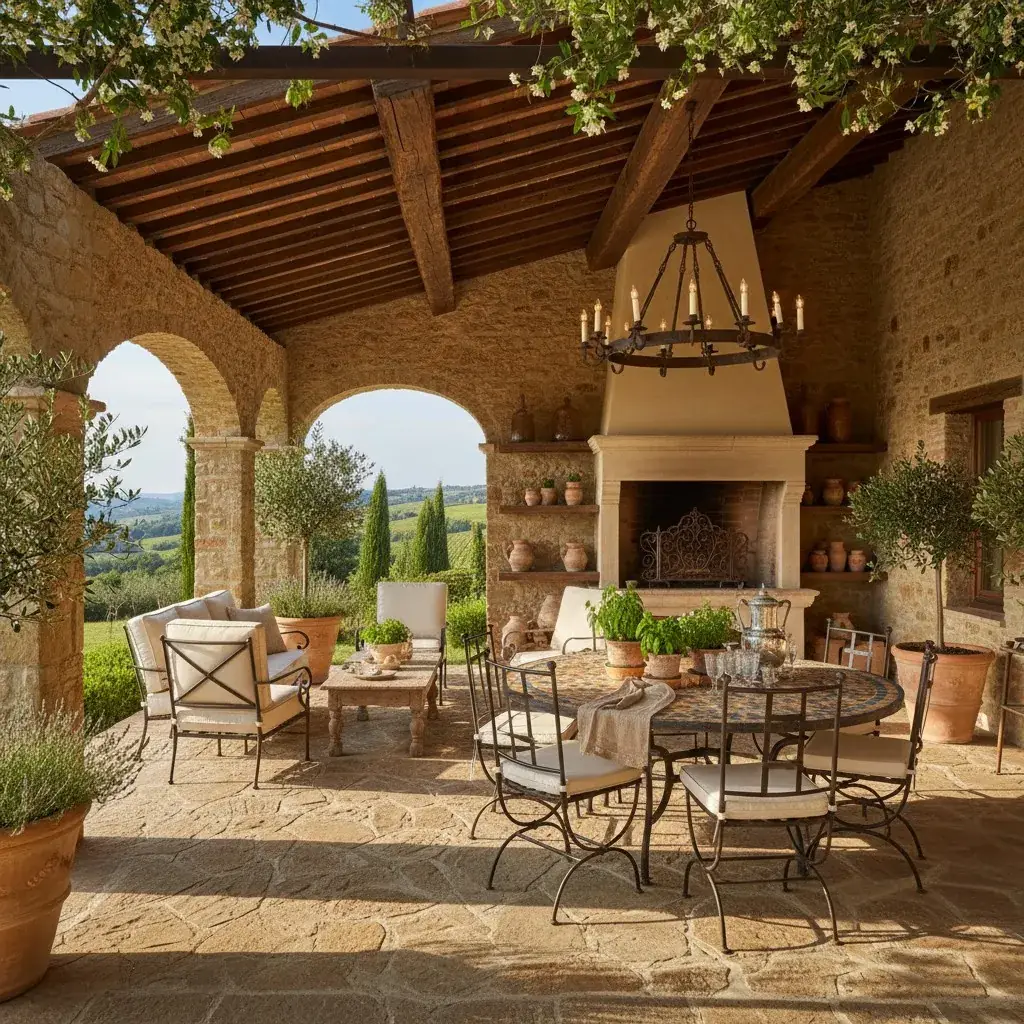
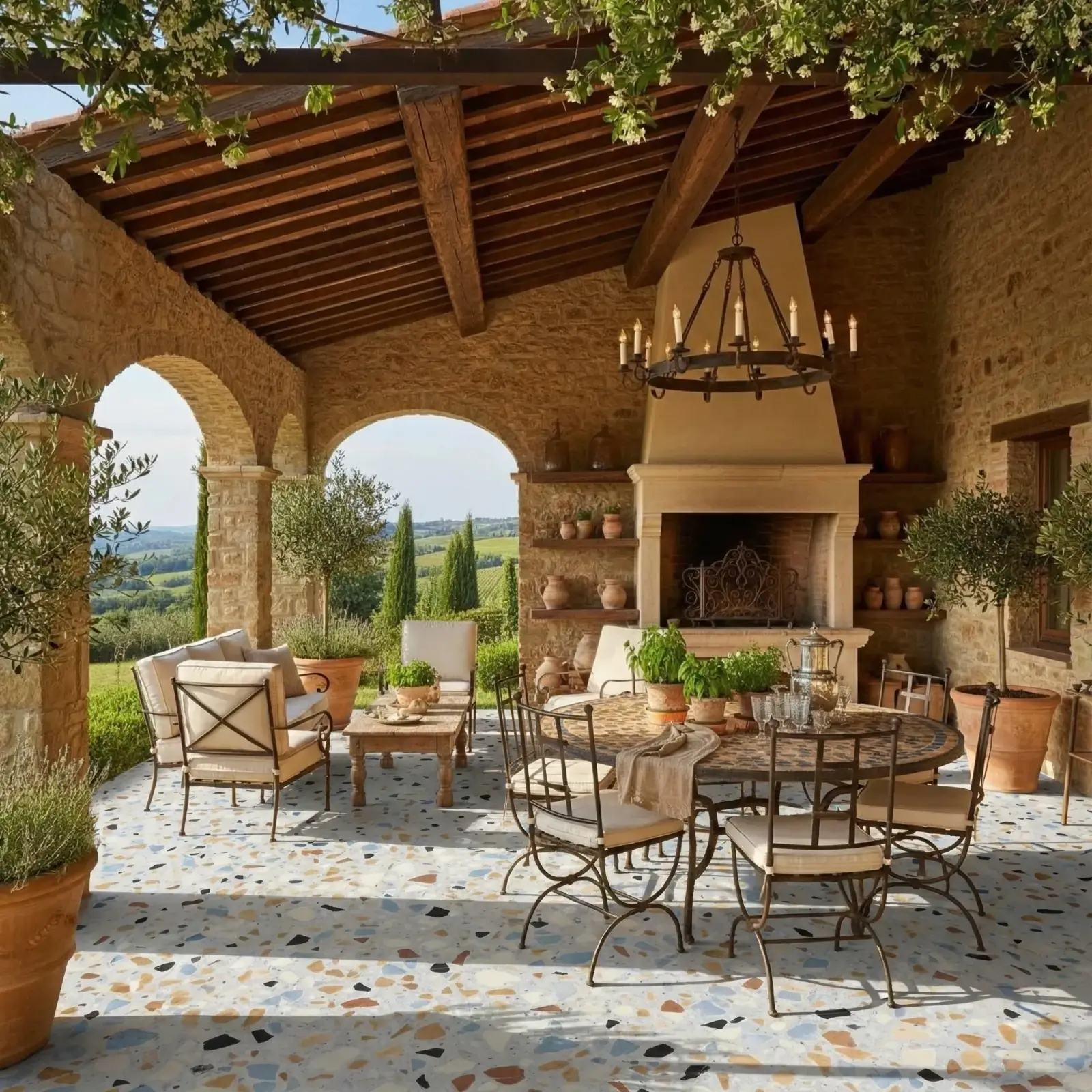
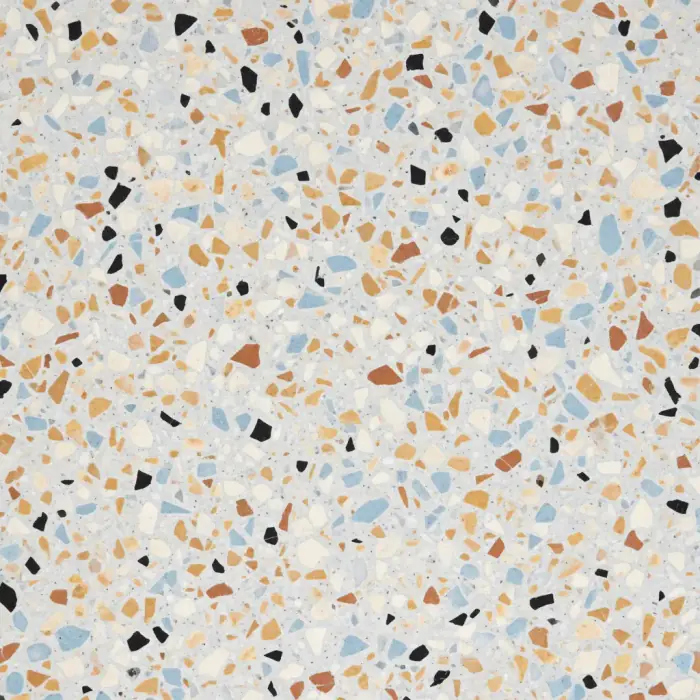
Terrazzo floor iteration
A flooring sample applied to a kitchen photo without manually rebuilding the floor surface for each option.
Terrazzo / Kitchen floor
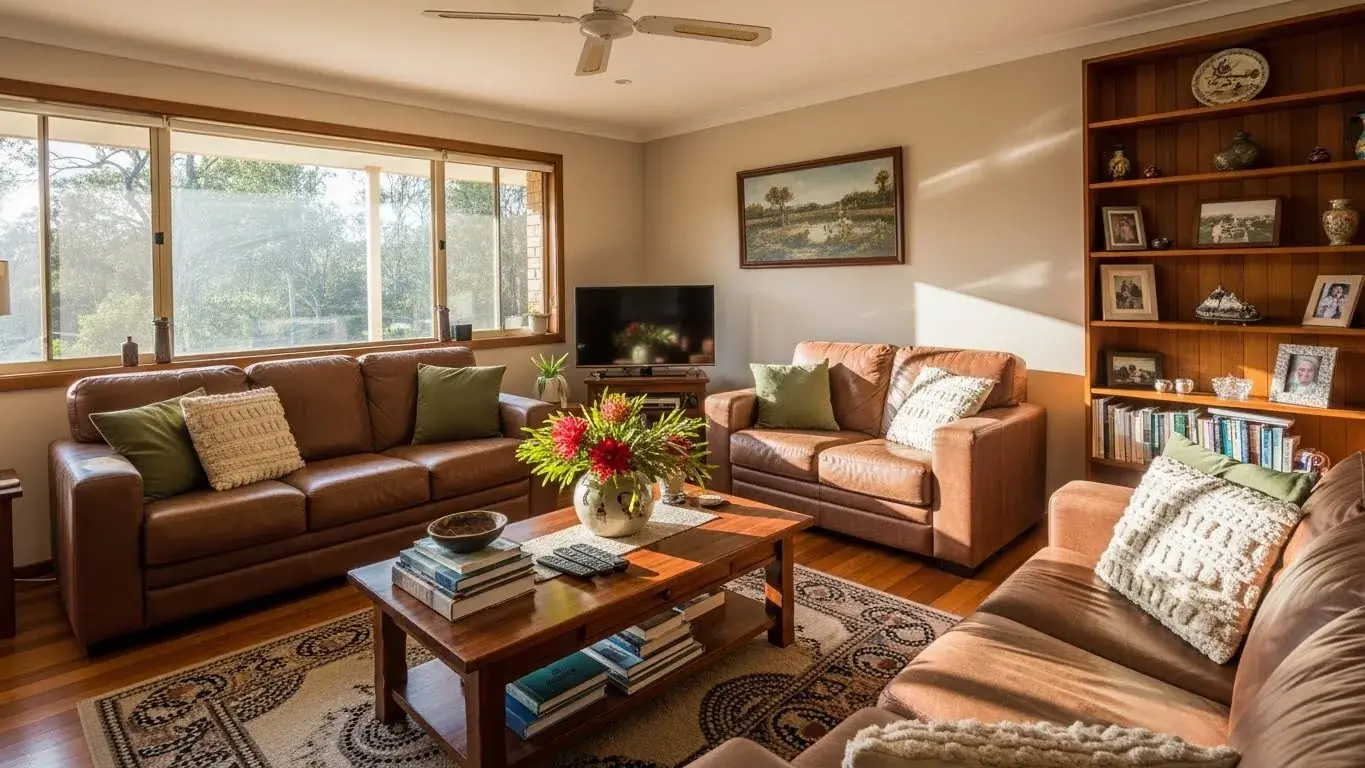
Sofa fabric iteration
A fabric sample applied to sofas for a quick soft-finish comparison before deeper presentation polish.
Light blue linen / Living room sofas


Questions
Is a material visualizer more accurate than Photoshop?
They solve different problems. Photoshop can be more manually controlled, while a material visualizer is faster for directional comparisons from room photos and real samples.
When should I still use Photoshop?
Use Photoshop when the final image needs precise retouching, compositing, masks, typography, or campaign-level polish.
Why use RenoViz instead of editing every option manually?
RenoViz is designed for repeatable material workflows: capture the sample, preserve supplier details, apply it to a target surface, and compare options quickly.
Related pages
Try this workflow
Use RenoViz to compare material directions in a real room photo, then confirm final choices with samples and professional review.