Home renovators
AI material visualization for home renovation
Compare finish options in your own room photos before you buy materials or brief a professional.
Compare before you buy
Renovation decisions are easier when you can see a material in your own room photo before committing. RenoViz helps you compare tile, flooring, stone, paint, and fabric directions before buying samples or briefing a professional.
- Upload a room photo and choose the surface you want to change.
- Add a material sample from a showroom, supplier site, or product photo.
- Use color mode for paint, cabinet, trim, or wardrobe colors by code or description.
Use My Captures in showrooms
When you find a material on the showroom floor, save the sample in My Captures and photograph the info card. That keeps the product name, size, finish, price, and code available when you compare options later.
Share clearer options with professionals
A RenoViz result can help you explain the direction you like to a designer, contractor, installer, or retailer. It is easier to discuss a specific visual option than a loose description such as warmer tile or lighter paint.
Confirm final details offline
Use RenoViz to narrow decisions, then confirm color, texture, availability, durability, measurements, and installation requirements with physical samples and professional guidance.
Visual examples
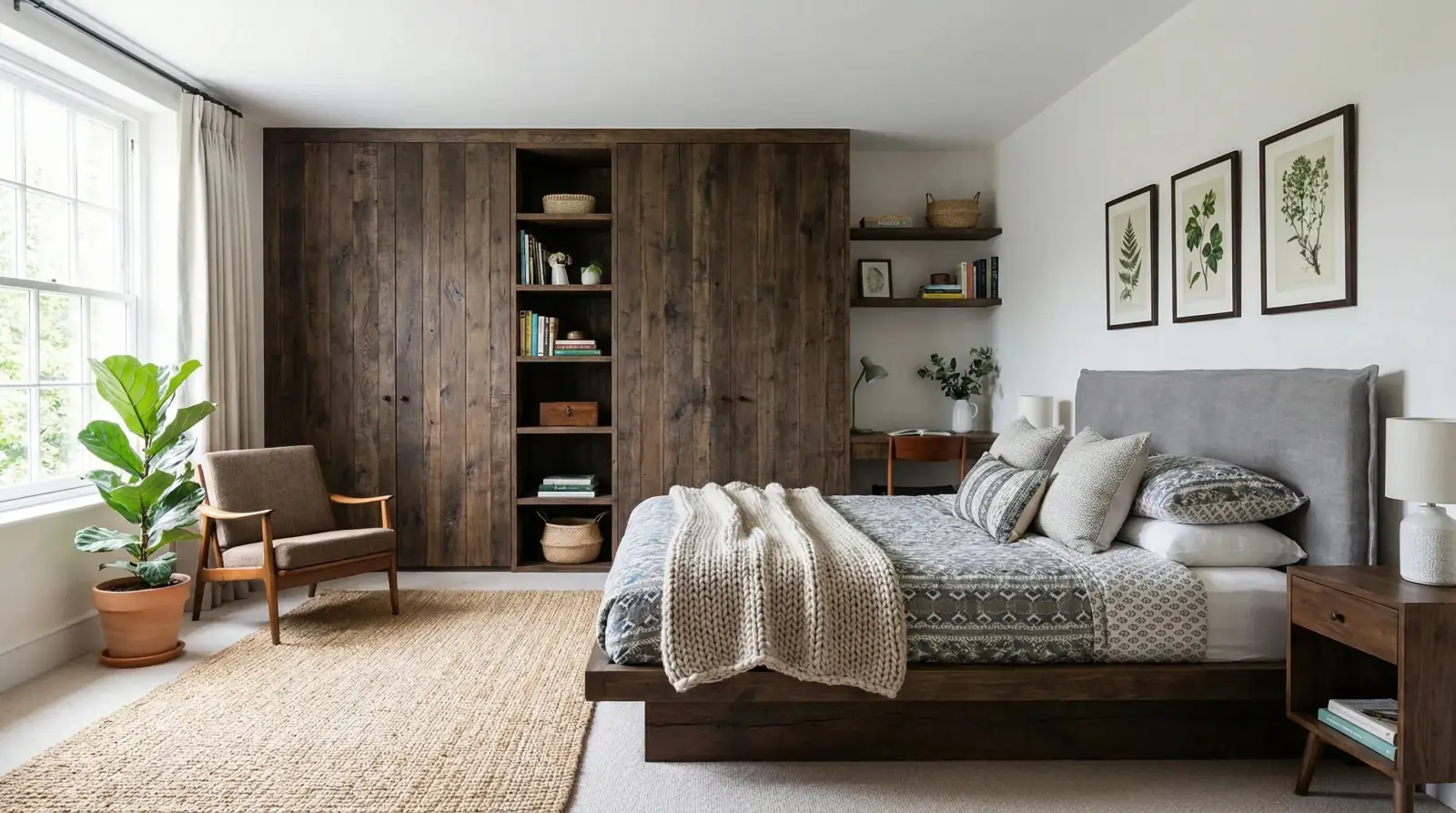
Bedroom wardrobe paint
A paint direction applied to existing wardrobes so a renovator can compare color before committing.
Sahara Creme paint / Bedroom wardrobes


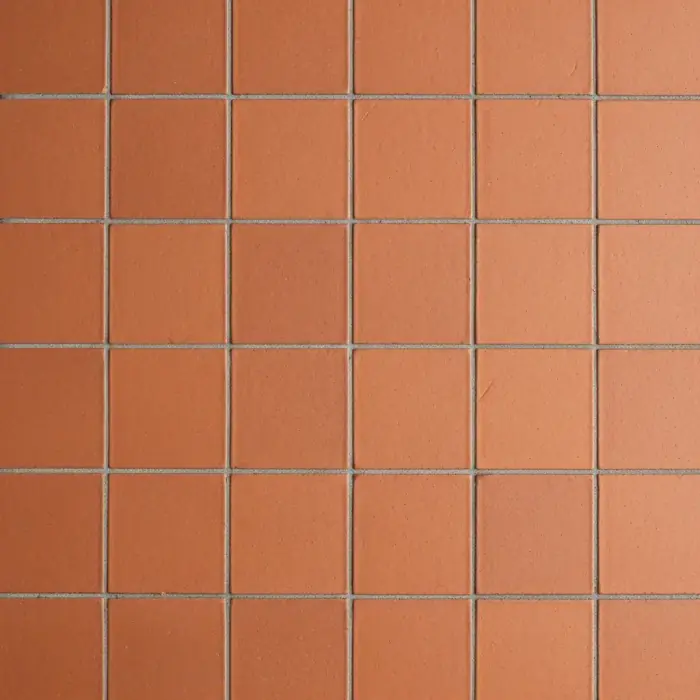
Patio tile option
A tile sample visualized on a patio floor to compare warmth, pattern, and room context.
Terracotta tile / Patio floor


Questions
Can I use RenoViz without design experience?
Yes. Start with a clear room photo, add a material sample or color direction, and describe the surface you want to change.
Can RenoViz help in a showroom?
Yes. Save samples and info cards in My Captures, then use those references to visualize materials in your room photos later.
Should I buy materials from a RenoViz image alone?
No. Use the image to narrow options, then check real samples, pricing, stock, measurements, and installation advice before purchasing.
Related pages
Try this workflow
Use RenoViz to compare material directions in a real room photo, then confirm final choices with samples and professional review.