Designers, renovators, and flooring retailers
Terrazzo patio floor visualization
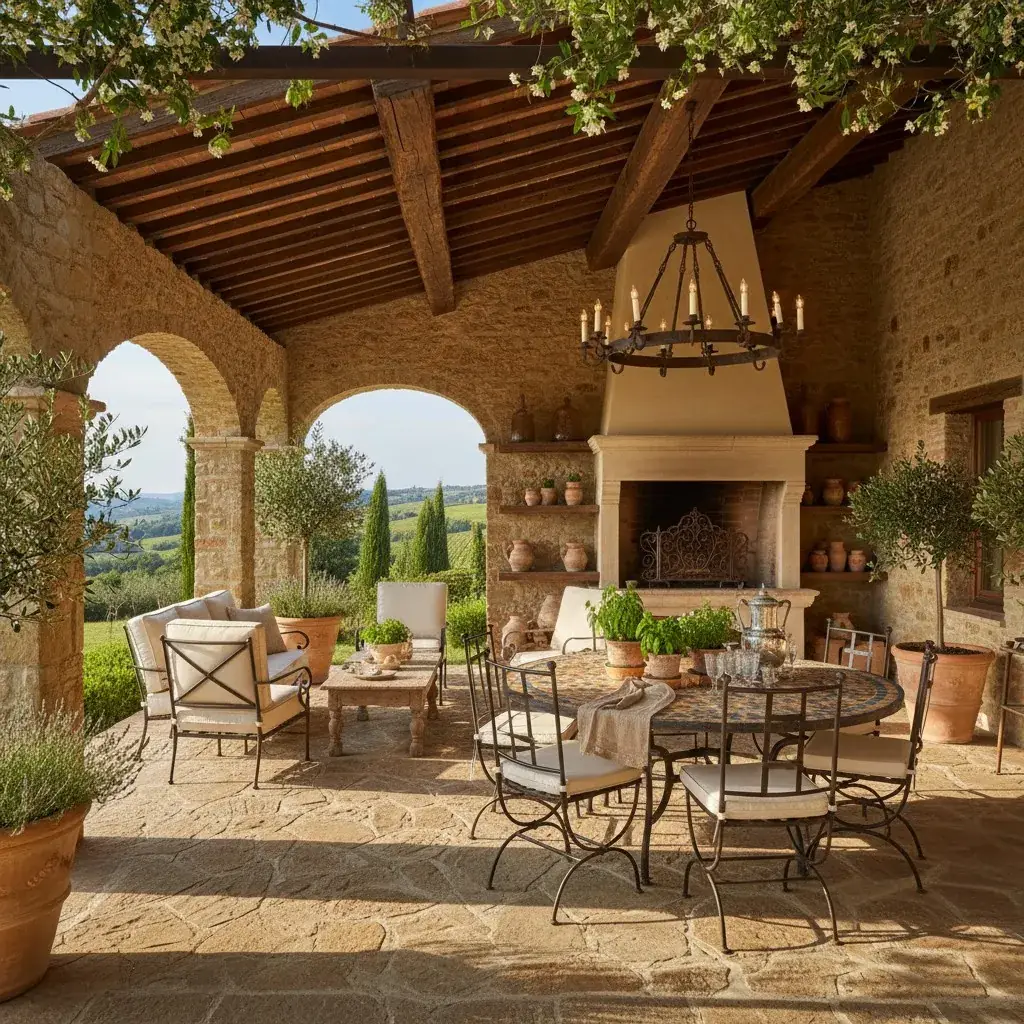
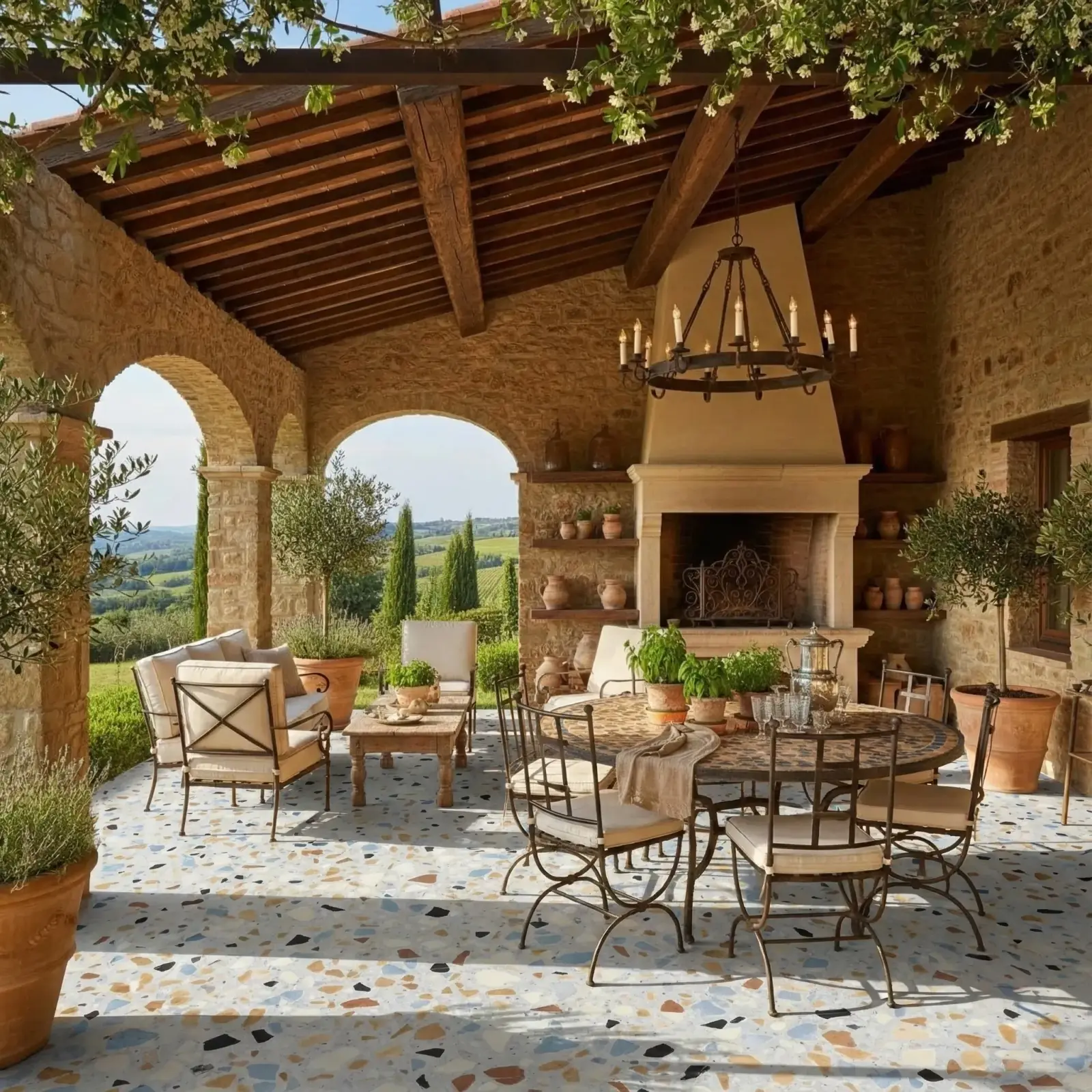
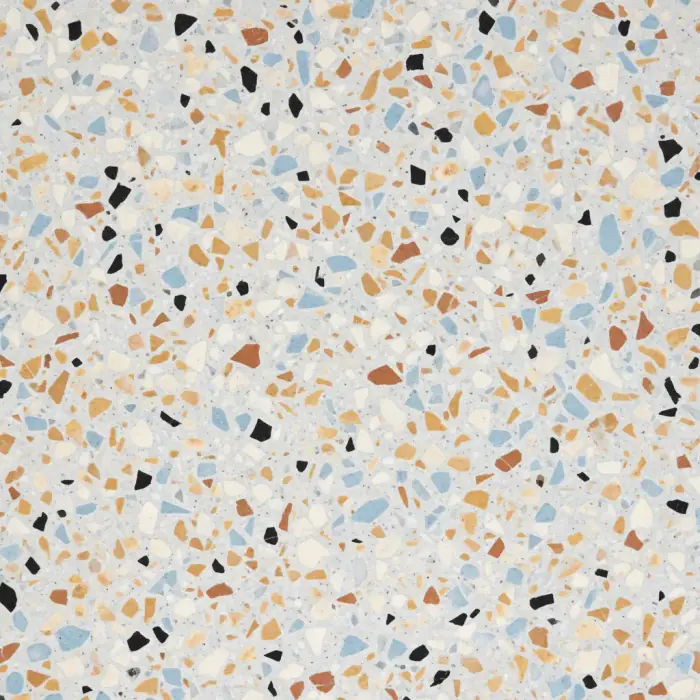
This example shows a terrazzo material sample applied to a patio floor while retaining outdoor context.
Patio floor visualization
Terrazzo applied to a modern patio floor.
What changed
RenoViz applied the terrazzo sample to the floor surface. My Captures is useful for this kind of flooring comparison because the material photo and showroom info card can preserve aggregate type, tile size, finish, lead time, and supplier code.
What stayed constant
Walls, openings, outdoor furniture, and perimeter details remain visible for context.
Review note
This image helps compare material direction. Exact aggregate scale and finish should be confirmed with the supplier, and color mode can be used in the room chat to test trim, siding, or adjacent finishes around the selected floor direction.
How to create a similar result
Start with a patio photo where the floor plane is easy to see, upload the terrazzo sample, and ask RenoViz to apply it to the floor while preserving posts, steps, and nearby finishes. Compare a few quieter and stronger samples before ordering physical references.
Related pages
Try this workflow
Use RenoViz to compare material directions in a real room photo, then confirm final choices with samples and professional review.