Architects
AI material visualization for architects
Use room-photo visualization to test finish directions before spending time on heavier presentation workflows.
Test finish direction before heavy presentation work
Architectural teams often need to explore finishes before investing time in detailed presentation renders. RenoViz helps test material direction in a real room photo or site photo so the early conversation stays concrete.
- Compare flooring, wall, stone, paint, and soft-finish directions in context.
- Use color mode to test a specified wall, trim, joinery, or cabinet color.
- Keep each option tied to the target surface and original room photo.
Support material review meetings
Use RenoViz outputs as decision-support visuals in internal reviews or client workshops. The image can clarify whether a finish direction is worth carrying into drawings, schedules, specifications, or a higher-fidelity render.
Keep product references traceable
When finishes come from showroom visits or supplier samples, My Captures can store the material close-up and info-card photo together. That keeps price, size, finish, collection, and product-code context available for specification follow-up.
Know what still needs professional documentation
RenoViz does not replace drawings, schedules, specifications, code review, or installer coordination. Use it to narrow finish direction, then confirm technical requirements through the project documentation process.
Visual examples
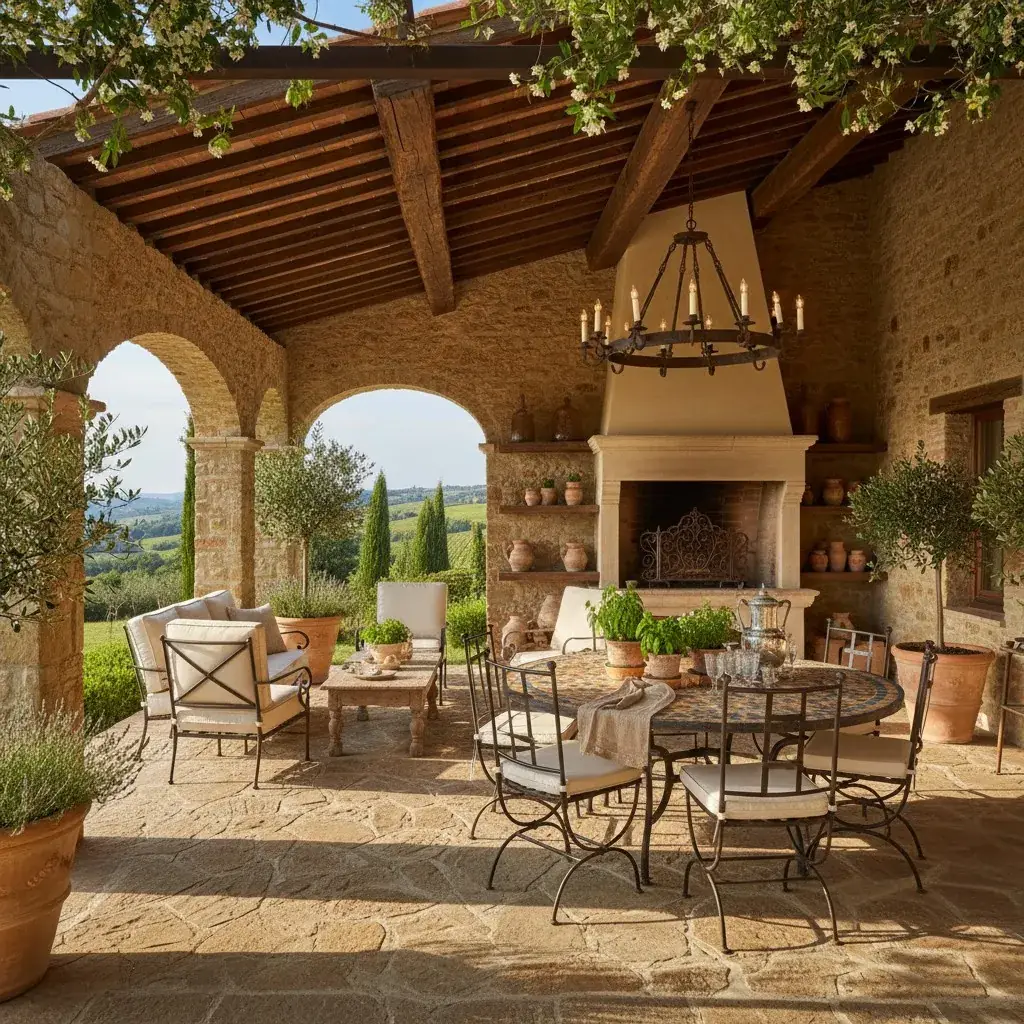
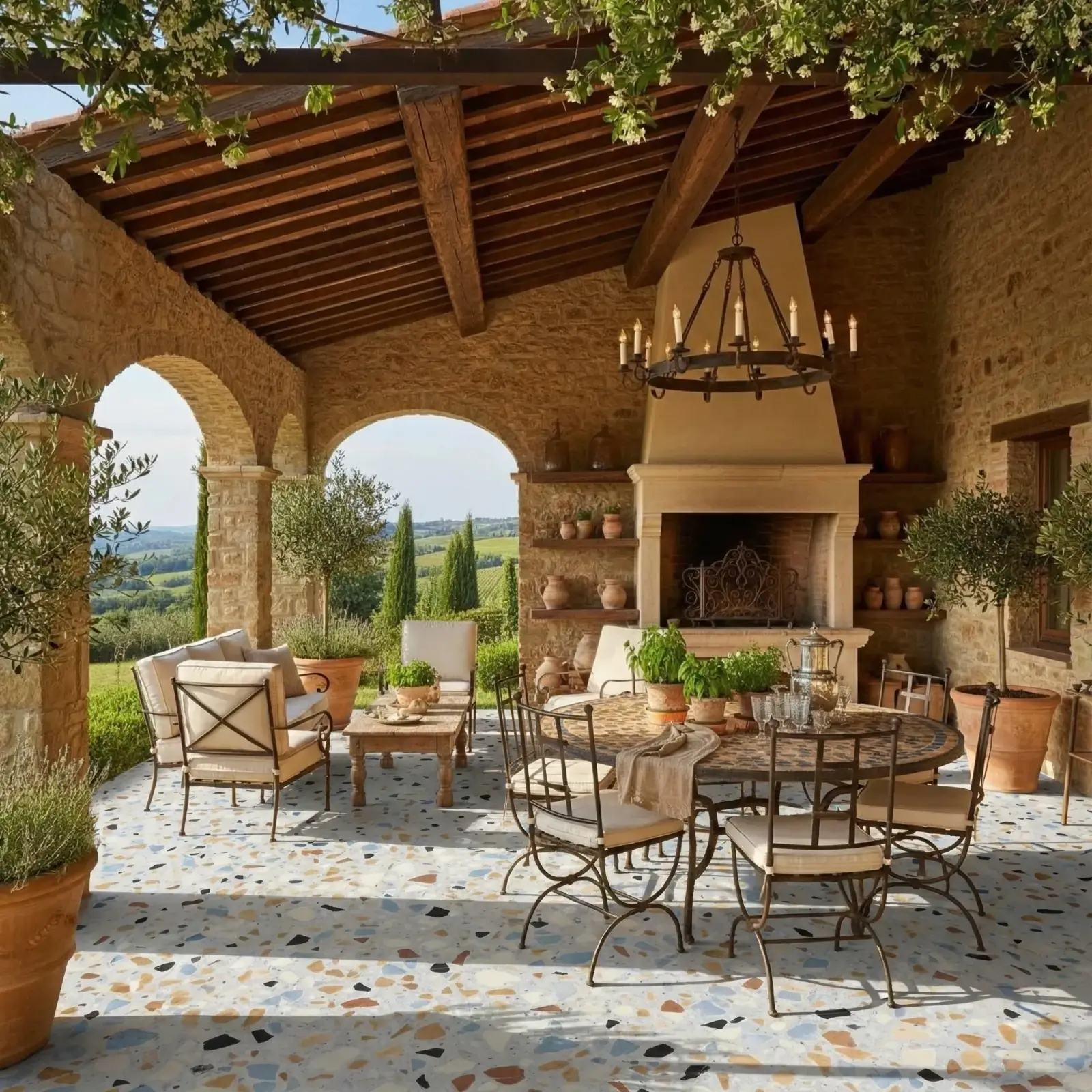
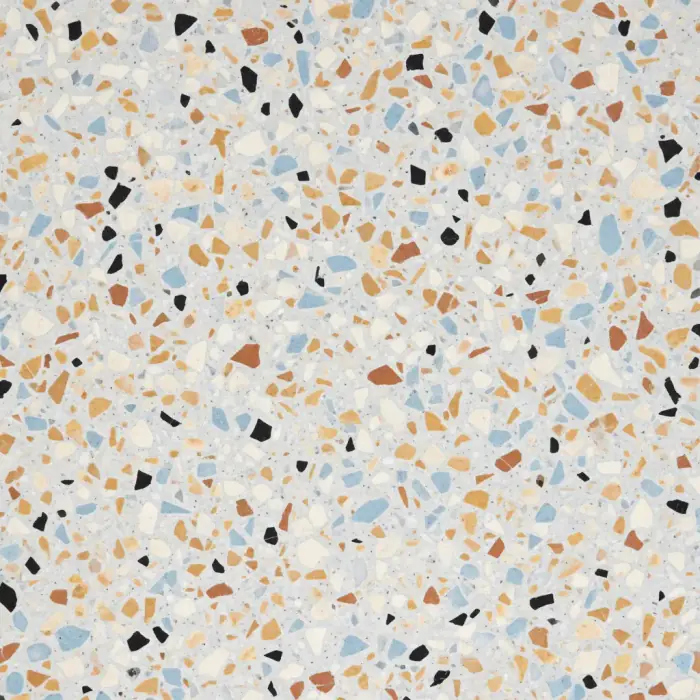
Terrazzo floor direction
A terrazzo sample applied to a kitchen floor to evaluate finish direction before deeper documentation.
Terrazzo / Kitchen floor
Wardrobe finish direction
A paint finish visualized on built-in wardrobes where color mode could also test a specified shade.
Sahara Creme paint / Bedroom wardrobes



Questions
Can architects use RenoViz instead of 3D rendering?
RenoViz is best for quick material direction in room photos. Use 3D renders when the decision depends on layout, dimensions, custom joinery, or architectural form.
Can RenoViz help before a finish is specified?
Yes. It can help decide which finishes deserve deeper review before they move into schedules, supplier checks, or final presentation work.
How should architectural teams treat RenoViz outputs?
Treat them as visual decision aids. Final selections still need physical samples, technical documents, supplier data, and professional review.
Related pages
Try this workflow
Use RenoViz to compare material directions in a real room photo, then confirm final choices with samples and professional review.